
AI 2026-11-18 · 6 min read · verified sources
Controlling Any n8n Workflow with a Custom UI: Code → Respond → Wait
Timestamped breakdown of Bart Slodyczka’s pattern: active workflow UI vs execution dashboards, resume URLs, and free state persistence via Wait nodes.
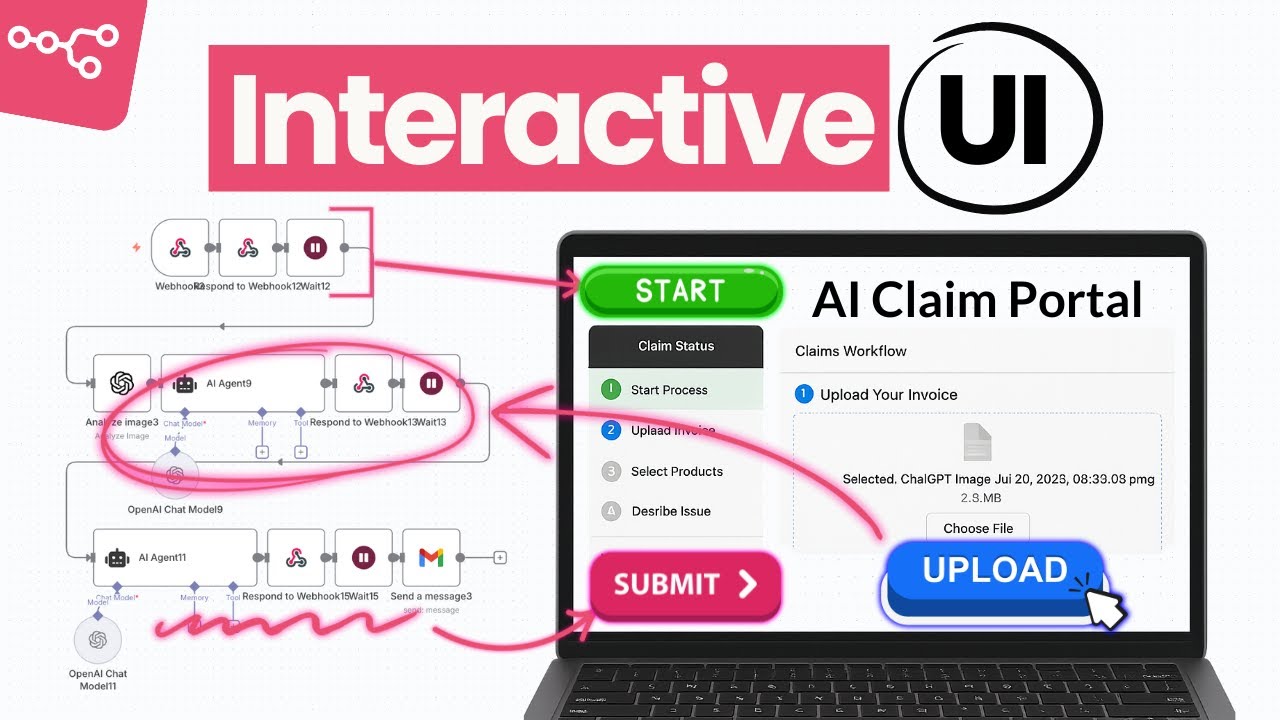
Visual Figures & Brand Card
Click any image to enlargeVerified Video Sources & Timestamps
[1] Control Any n8n Workflow With a Custom UI — Step by Step Guide
«Разграничение дашбордов по завершённым execution'ам и кастомного UI, управляющего ещё работающим процессом.»
[2] Control Any n8n Workflow With a Custom UI — Step by Step Guide
«Триплет нод Code → Respond to Webhook → Wait и формат JSON с resume_url.»